How to Clone A New Website
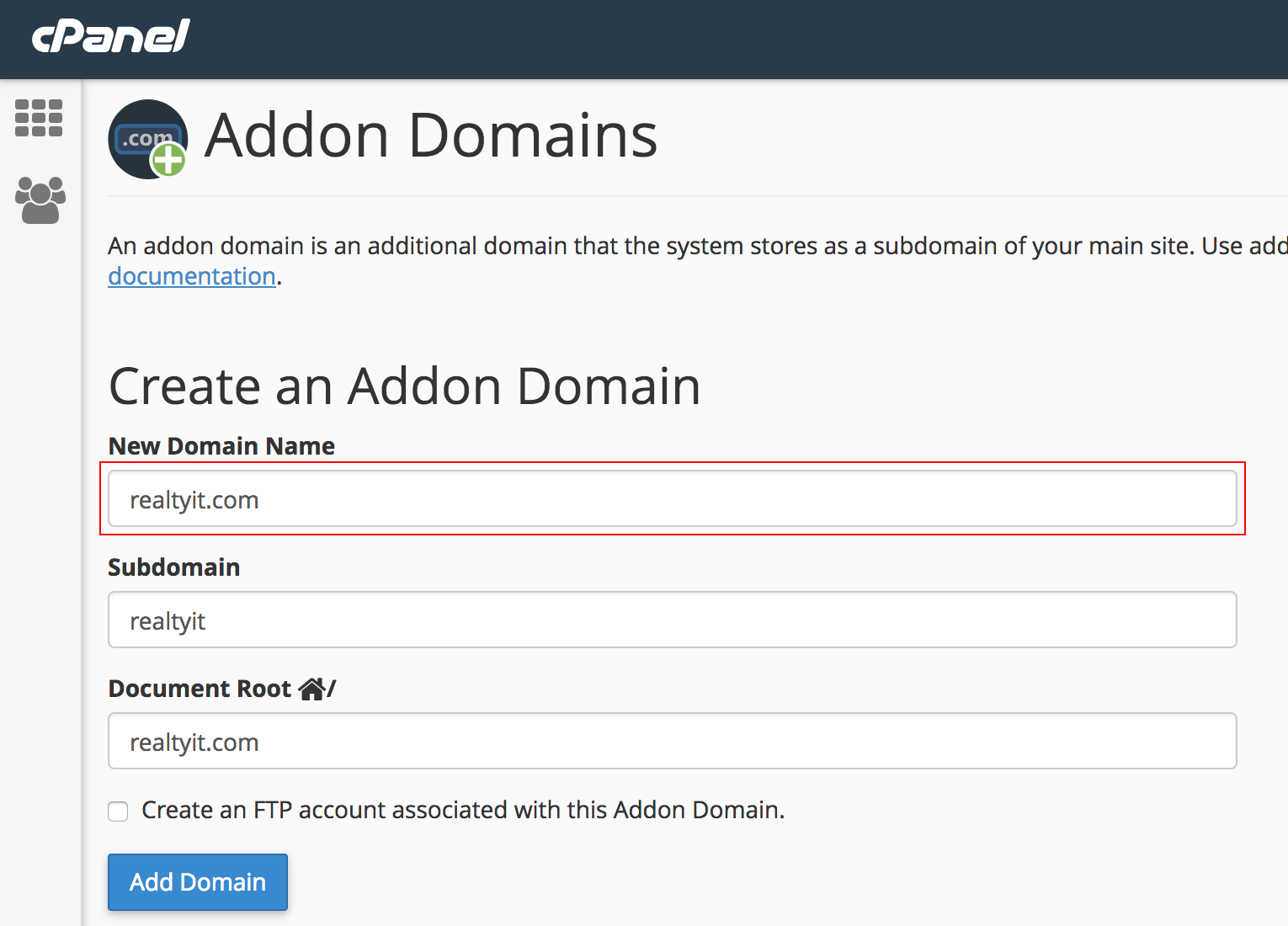
- In cPanel, click on Addon Domains
- Fill out the first field with the domain and the fields below will auto-fill
- Click Add Domain & go back to the main menu
- Click on Softaculous Apps Installer
- Click on the WordPress logo
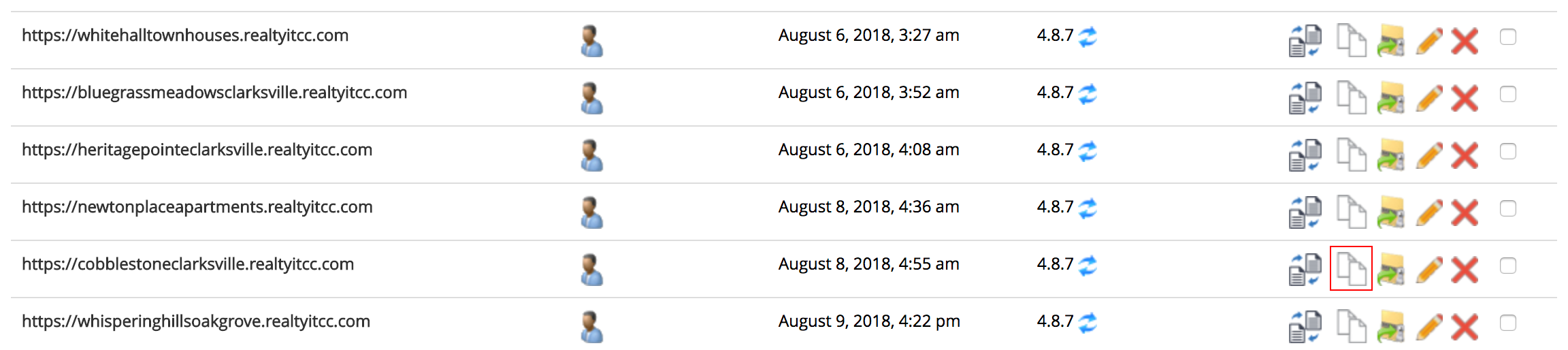
- Scroll down to the site you wish to clone and click the Clone option
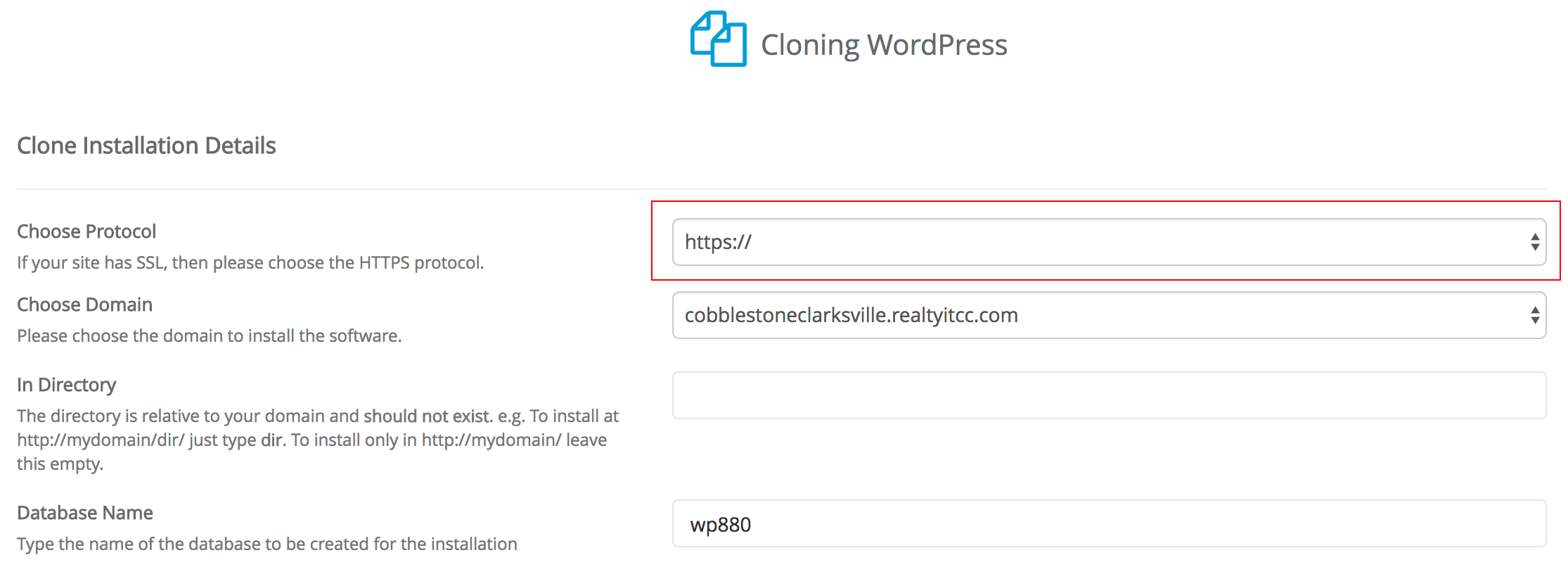
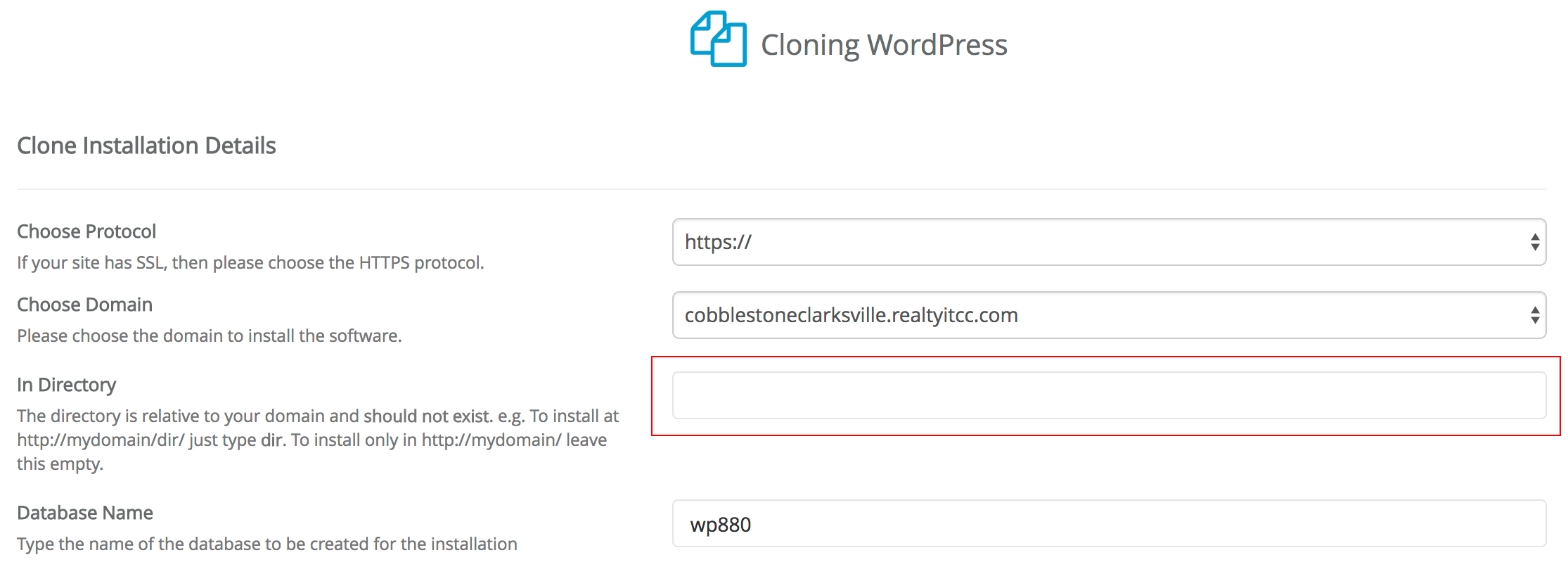
- In the first field, select https://
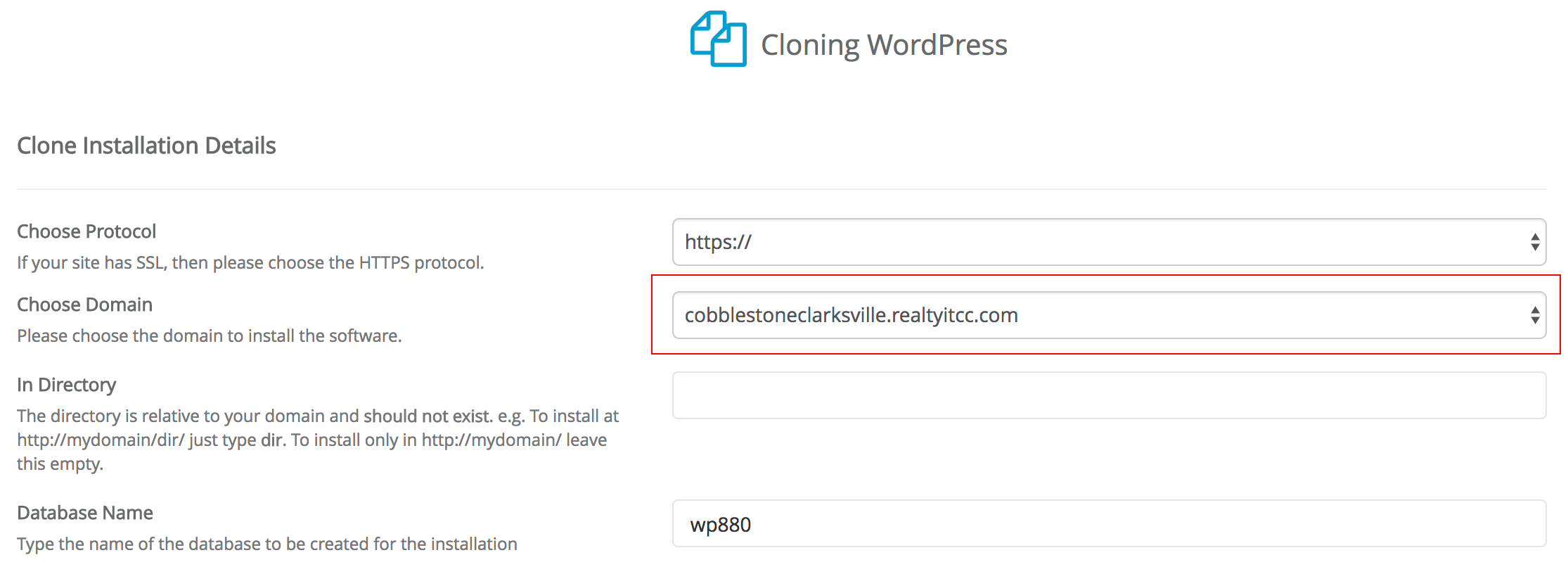
- In the second field, select the domain.realtyitcc.com that you want the clone installed on
- In the third field, remove the ‘WP’ text so the field is blank
- Scroll to the bottom and click Clone Installation